Artificial intelligence has been a new development almost everywhere.
It has helped usher photography into a new era, it not only transforms how images are captured but also how they are refined.
This integration of AI and photography has helped with creativity and efficiency.
Today, AI is in everything we use to capture and even edit images.
What once required a lot of skill is now made much easier and quicker by AI-powered cameras and other equipment.
AI can amplify creativity, help you focus more on composition and storytelling, and help you achieve your vision.
AI is pushing the boundaries and reshaping the art.
If you’re new to this AI world as photographer then check out our latest guide on How to Use AI in Photography Without Losing Your Soul.
Top 7 AI Photography Tools in 2026: Detailed Reviews
Various AI-powered tools are used in 2026 by photographers to enhance, edit, and even generate images with the right prompts.







Now, let us discuss some of the most used and famous AI photography tools by photographers.
Luminar Neo – Best Overall AI Photo Editor 2026
Luminar Neo can be used for general editing, such as exposure, colour, contrast, and also the AI-powered manipulations, such as sky replacement, relighting, etc.
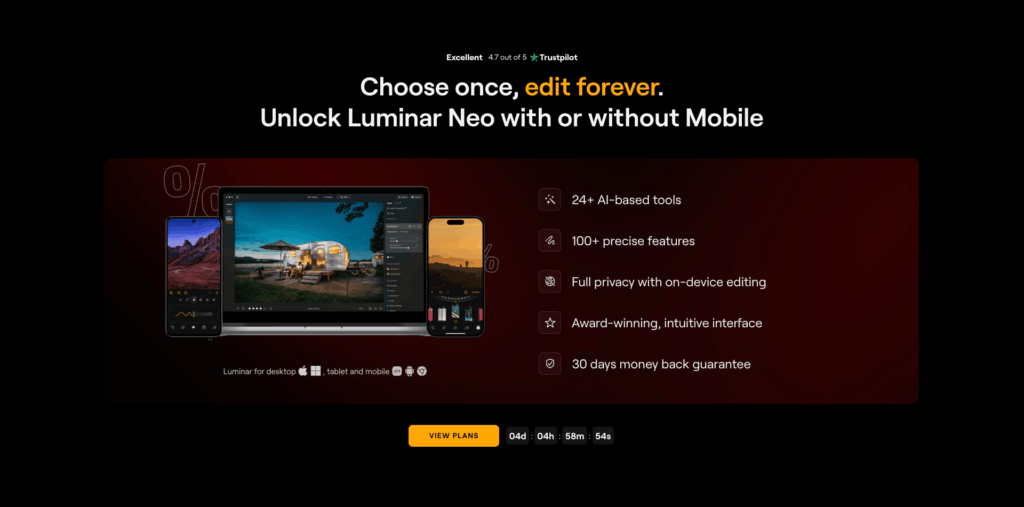
Some of the pros include the intuitive user interface, powerful AI tools such as Enhance AI, Relight AI, Sky AI, and Atmosphere AI.
It even has non-destructive editing and flexible licensing.
There are even extensions such as sharpening, denoising, HDR, and upscaling that are available.
Some of the cons include that there are some features that are locked behind the paid extensions.
The pricing starts from 60 to 80$, depending on the plan you want.
This software is the best choice for creators who want professional-level editing and results.
Checkout our full review on AI Photo Mastery Awaits | Luminar Neo 75% Off! | In-depth Review
Adobe Firefly – Best for Creative AI Generation
Firefly is Adobe’s generative AI platform.
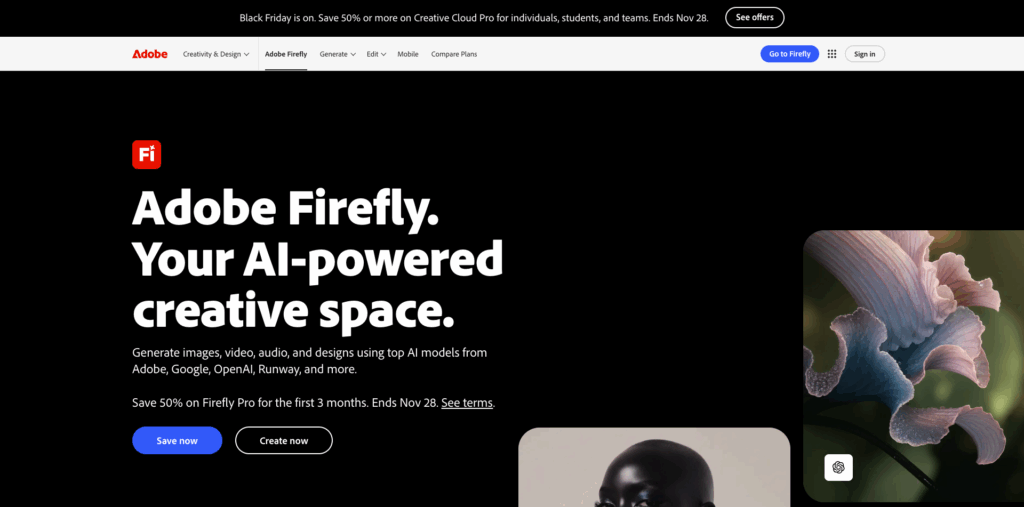
It can be used for the usual image generation, background replacement, and also bulk creative editing that is with Adobe’s Creative Cloud.
Some of the pros are its integration with the Adobe Creative Cloud, which works with Photoshop, Express, etc.
It even offers a bulk create AI that can edit and even generate many images in a single go.
There is also a mobile app available, which allows for image generation on the go.
Some of the cons include that it is subscription-only, requires internet, and is a little costly for high-volume users.
The subscription starts from 10$ and goes to 40-55$ per month, depending on the plan.
DALL·E 3 by OpenAI
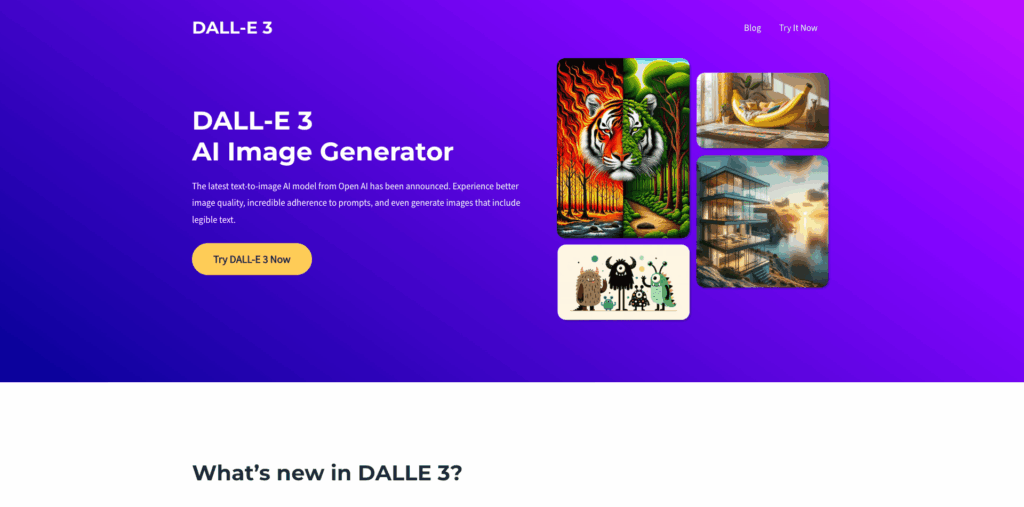
DALL-E is one of the major text-to-image generative AIs.
This can prove to be ideal for concept art, product mockups, and even visual content generation from text.
Some of the pros of this software are that it offers a great balance between realism and creativity.
It can interpret the complex and detailed text prompts and produce images that are the closest match to the description.
It even has built-in filters that can restrict the generation of harmful and copyrighted content.
Some of the cons include that the filters present might block or alter the prompts, and this can impact the image.
There can sometimes be a few errors seen in the images in the fine details.
If you access it using ChatGPT, API, or Bing, there can be a few limits on how often you can generate images.
Meitu AI Photo Editor – Best Mobile AI Editor
This AI Photo Editor is one of the first mobile AI editors.
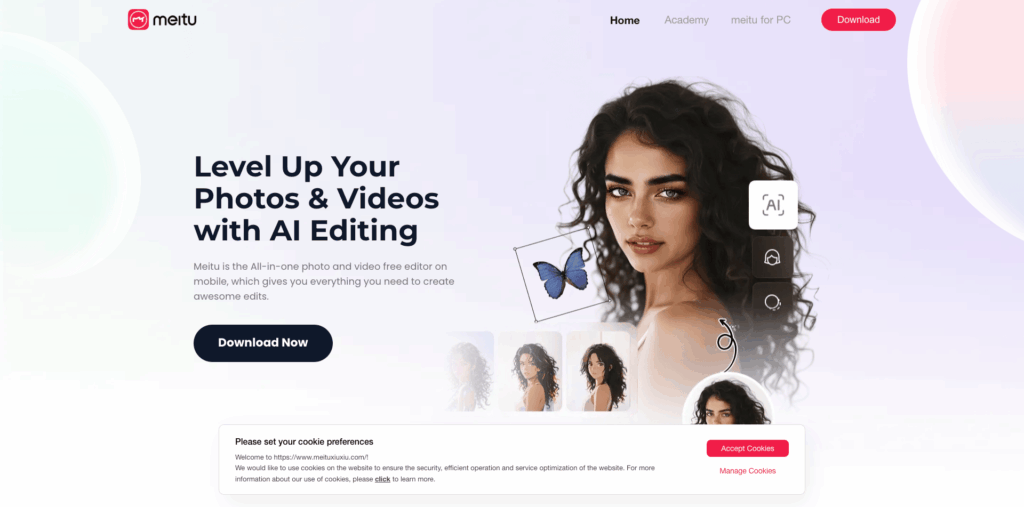
Meitu can be used for beauty retouching, face enhancement, background removal, and even work on batch editing of portraits.
Some of the pros of Meitu are that it can detect the facial features automatically and apply makeup, smoothen skin, and even reshape the body.
It can also remove the background, isolate the subject, and even extend the image’s edges realistically.
It is also very easy to use, even for non-experts and even beginners.
Some of the cons include that a few powerful features are locked behind in-app purchases.
There is also a chance of over-beautification; the edits can look fake.
Meitu is also primarily mobile-based, and the desktop version has fewer features.
It has a paid item and in-app purchase ranges from $7.99 to $59.99.
PhotoRoom – Best for Product Photography & E-commerce
PhotoRoom is the best for the process of background removal and replacement.

You can instantly change backgrounds, generate studio-quality images, and even edit multiple images in batches.
This is especially best for e-commerce sellers and content creators.
Some of the pros of PhotoRoom include excellent background removal, AI background generation, and batch editing.
The user interface is also simple, fast, and beginner-friendly. It also works on both phone and a desktop.
Some of the cons include that it is not a complete editor, and it doesn’t have a feature for complex adjustments.
It does have high-quality features, but those are locked behind the pro version.
It has a free version with basic features, but there are also paid plans for additional features.
The pricing may vary depending on the plan and your region, too.
Wonder AI Art Generator – Best for Creative Experimentation
Wonder AI is another AI tool that can be used for the generation of images from text prompts or even for transforming existing images into artistic renditions.
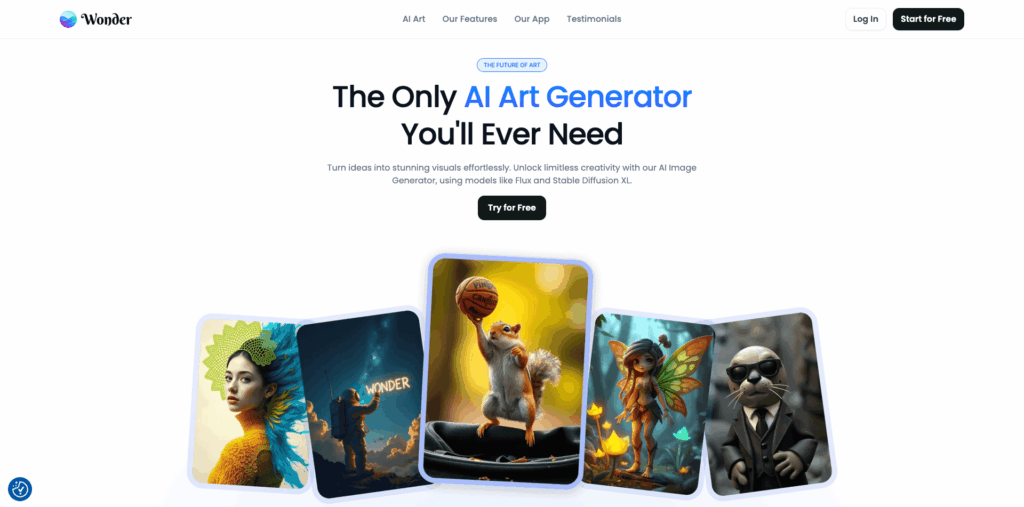
Some of the pros include that it has a user-friendly interface, also fast.
It can help you generate a range of different creative visuals.
Some of the cons include that it does not offer photorealism, and after generating images, they might need some editing.
This offers less control over the composition of the image.
Wonder AI follows a freemium model that has paid credits and a monthly plan.
Topaz Photo AI – Best for Image Enhancement & Upscaling
Topaz Photo AI, by Topaz Labs, is one of the best for enhancing image quality, including denoising, sharpening, face recovery, lighting adjustments, and even upscaling.
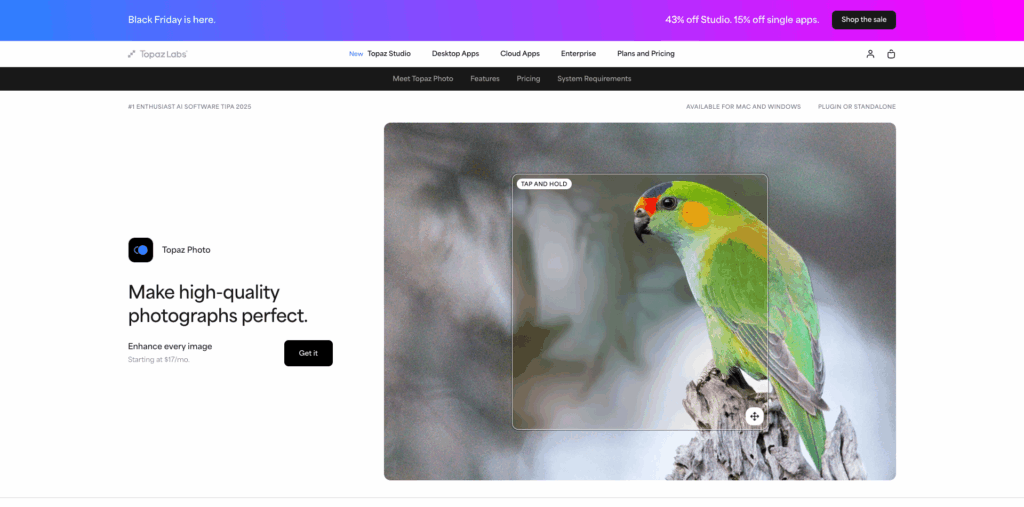
It can be the finishing touch that your work gets.
The most important pro is that it is a standalone app and even supports plugins, like Photoshop and more.
Some of the cons include the licensing charges and the fact that it is not made for a full editor.
It can take some time to master the AI model.
The PhotoAI starts at $17 per month,
It even has a one-time license that costs almost $199.
What to Look for When Choosing AI Photography Tools
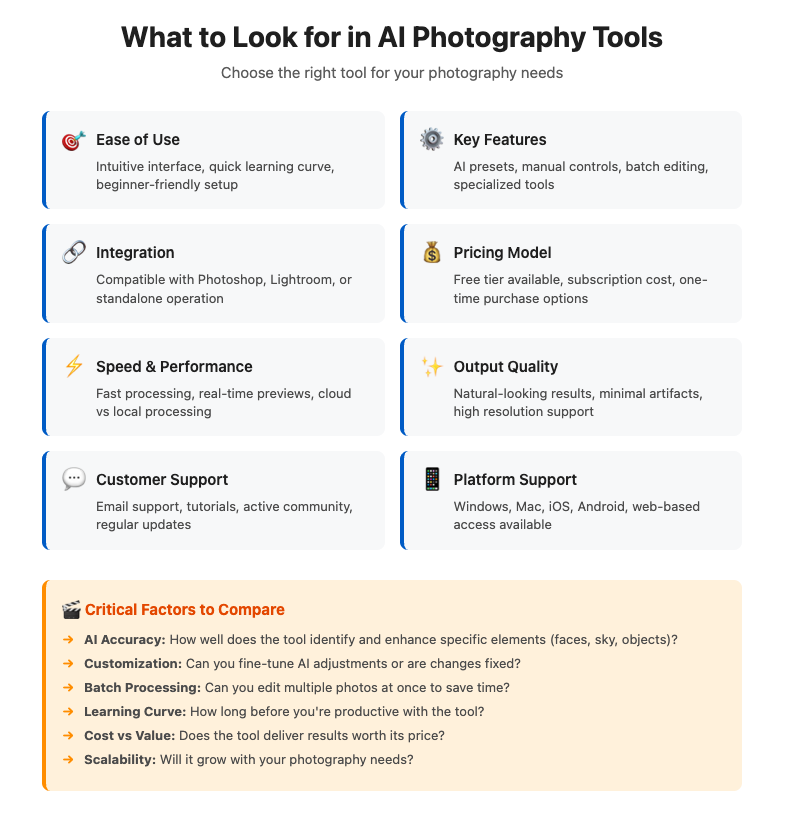
While looking for AI photography tools, some of the key factors to consider are discussed below.
Ease of Use and Interface
The interface should be user-friendly and interactive.
AI advantages may be wasted if the platform is hard to navigate.
In case the interface is not easy to use, then you can look for the guide or the tutorials that might be offered on the platform or on the internet.
Essential Features and Capabilities to Consider
While looking for an AI software, you need to consider all the features and the capabilities of the software.
You need to be sure of what you want. If you want it to smooth the skin, depth-based relighting, or other generative effects.
Also, the next most important thing you need to see is how powerful the AI is.
Pricing and Subscription Models
The pricing and the cost structure are also important.
You also need to see if the software is subscription-based or if it requires a perpetual license.
There are also some software that charge per operation.
Free trials are also test tools that you can use before fully committing.
Integration with Your Existing Photography Workflow
Another important feature that you need to check for is that if it integrates as a plugin in Photoshop, Lightroom, or any other software.
You also need to see if the software supports your file storage setup, whether it is local, cloud, or other.
APIs and batch processing are additional benefits, and they can make a great difference.
Read more about Ethics of AI Photography: A Photographer’s Complete Guide 2026
AI Photography Tools: Frequently Asked Questions
Some of the most asked questions about AI photography tools are answered below.
Which AI photography tool is best for beginners?
The best AI photography tool for beginners is Luminar Neo.
It has a simple and intuitive user interface with powerful AI-based features.
Are AI photo editors better than traditional software?
Better is a matter of subjective thinking.
AI photo editors are much faster, and they can also be beneficial for people with deep photo editing experience.
Can AI tools replace professional photographers?
AI tools may be powerful and faster, but they can never replace professional photographers.
AI cannot replace human intuition and the spark in the images.
The Future of AI in Photography: What’s Coming in 2026
AI has transformed photography just as it has transformed other areas.
There are various AI photography tools that are accessible to everyone, and they offer various features such as background removal, automatic enhancement, etc.
You can perform various complex and tedious tasks and have new opportunities to create images.
The future of photography can be said to be dependent on the integration of AI and a photographer’s style and touch.
AI Resources For Photographers
- AI vs Manual Photo Editing: Complete Guide With Real-Life Examples [2026]
- AI vs Traditional Photography | The Complete Guide [2026]
- Luminar Neo: Your Path to Professional Photo Editing (AI-based)
- Top 11 AI-Based Photo Editors For Photographers to Try In 2026
- Luminar Mobile Photo Editor Review | AI Features and Mod Myths
- Top 10 Indian Stock Photo Platforms To Try in 2026 [Paid & Free]
- 12 Canva Tools to Master Your Designs (AI-Based)