Summer is the season of adventure. Whether you’re basking on a golden beach, exploring vibrant city streets, or capturing the joy of family gatherings, your camera roll is probably bursting with memories worth keeping forever.
But not every shot turns out the way you envisioned.
Harsh light, washed-out skies, or distracting elements can make even the most beautiful scenes feel flat.
That’s where Luminar Neo comes in.
This powerful AI-driven photo editor is designed for photographers of all levels, from beginners with a phone camera to professionals with high-end gear.
It gives you the tools to quickly transform good photos into unforgettable ones, without spending hours learning complicated software.
And right now, during the summer sale, you can get it with a huge discount 75% OFF.
That means it’s the perfect time to take your summer vacation shots to the next level. Click here to try it now for free or get your special discount.
Don’t know How AI works for Photographer? Checkout our latest guide on How to Use AI in Photography Without Losing Your Soul.
Why Luminar Neo is your perfect summer photo companion
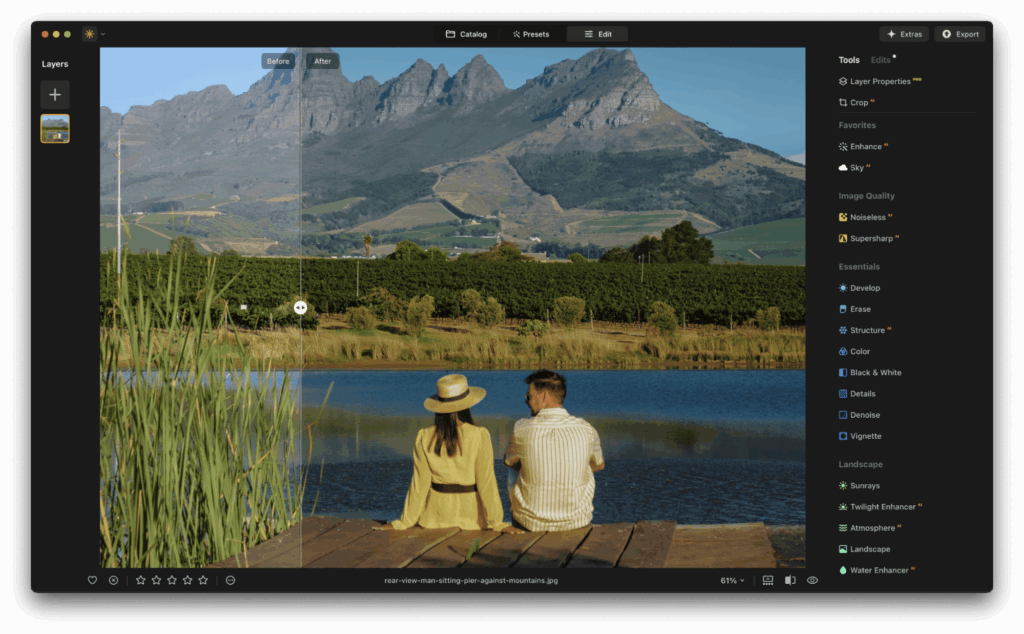
At its core, Luminar Neo is built around one promise: to make photo editing faster, smarter, and more creative.
If you’re still stuck with manual way to edit photo then checkout our latest guide on AI vs Manual Photo Editing: Complete Guide With Real-Life Examples [2026]
It combines cutting-edge AI technology with intuitive tools so you can focus on storytelling instead of technical details.
Here’s why it’s especially perfect for summer photography…
- Handles challenging light – Summer sun often creates high contrast, blown-out highlights, and deep shadows. Luminar Neo’s AI tools help balance lighting automatically.
- Enhances colors instantly – Bright skies, turquoise waters, and lush greenery pop with natural vibrancy thanks to smart color adjustments.
Saves you time, Editing an entire vacation album can be done in minutes with batch edits and AI-powered adjustments.
Main Luminar Neo features that bring summer memories to life
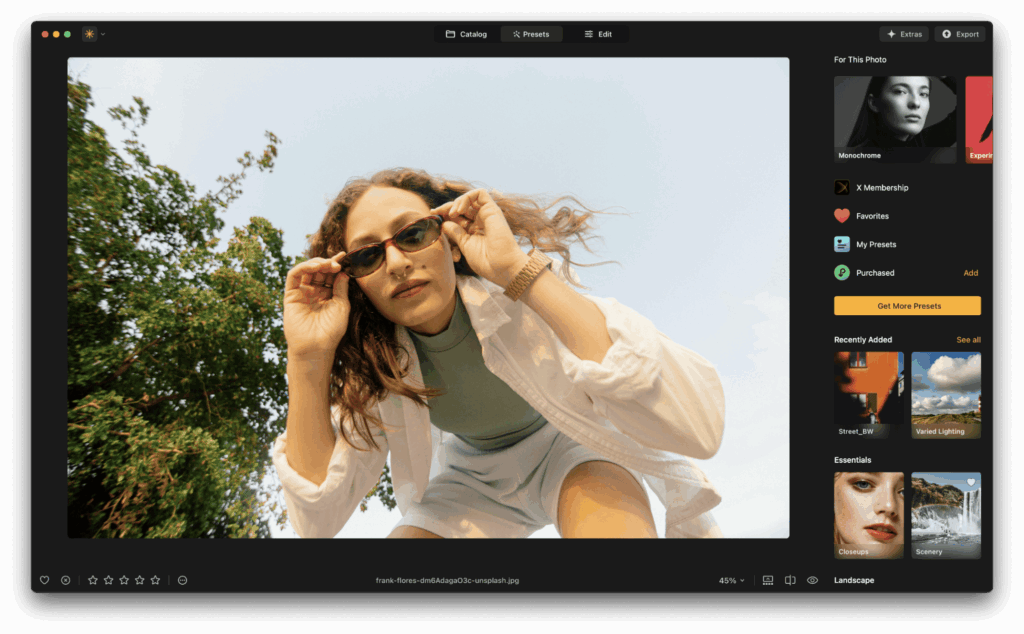
Let’s break down the features that can completely transform your photos from “just okay” to “absolutely stunning.”
Sky AI | Make every day look like perfect weather
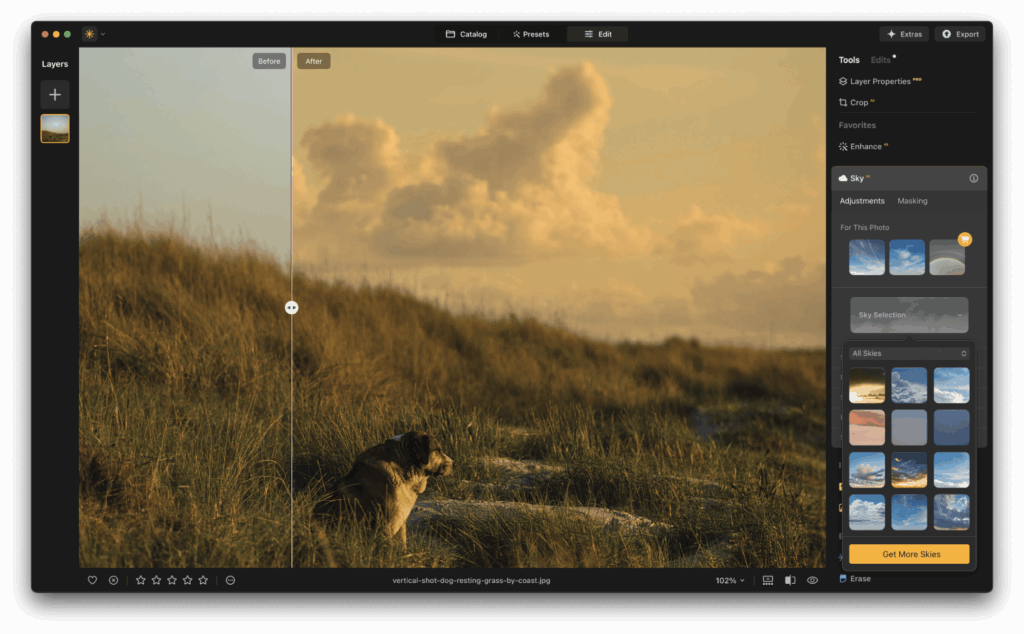
Summer trips don’t always come with perfect skies.
Maybe clouds rolled in during your beach day, or your mountain hike ended under a gray sky.
With AI-based sky replacement, you can instantly swap out dull skies for vivid blue, golden sunsets, or even dramatic clouds, and the results look seamless.
The AI even adjusts lighting and reflections on water to match the new sky.
Tip for summer vacation shots: Use a soft, pastel sunset to give your beach photos a romantic feel, or a bright midday sky to make architectural shots pop.
Enhance AI | One-click photo transformation
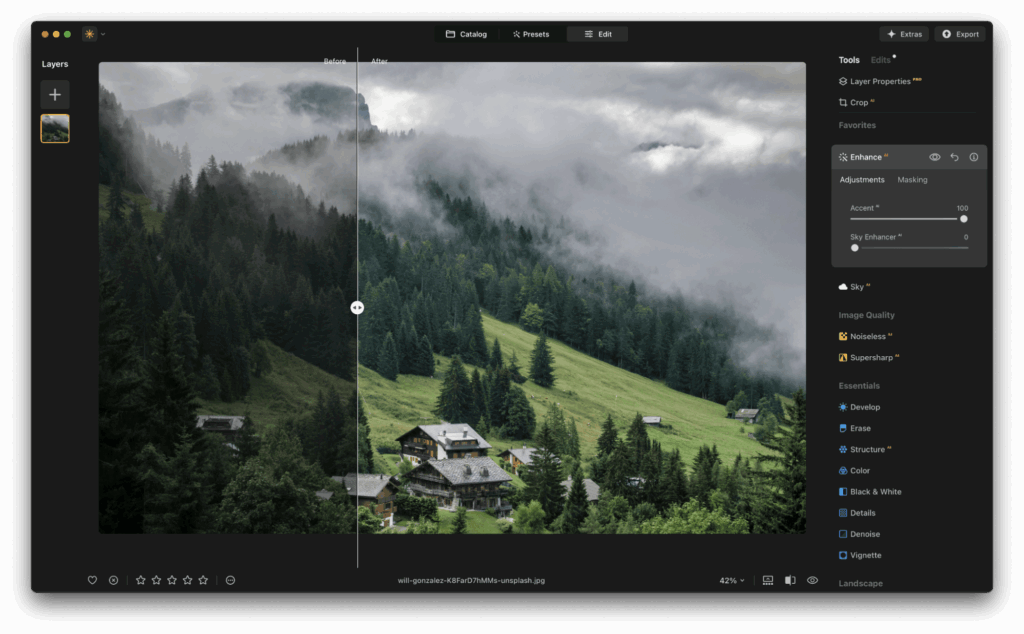
Sometimes you don’t have time to fine-tune each setting. Enhance AI analyzes your image and makes intelligent adjustments to improve exposure, color, details, and depth — all in one move.
This is ideal for travelers who want to quickly upgrade snapshots from a phone or action camera while still keeping them natural-looking.
Tip: If your vacation photos look a bit flat straight out of the camera, EnhanceAI can give them depth and life instantly without over-editing.
Relight AI | Fix harsh midday sun or poor lighting
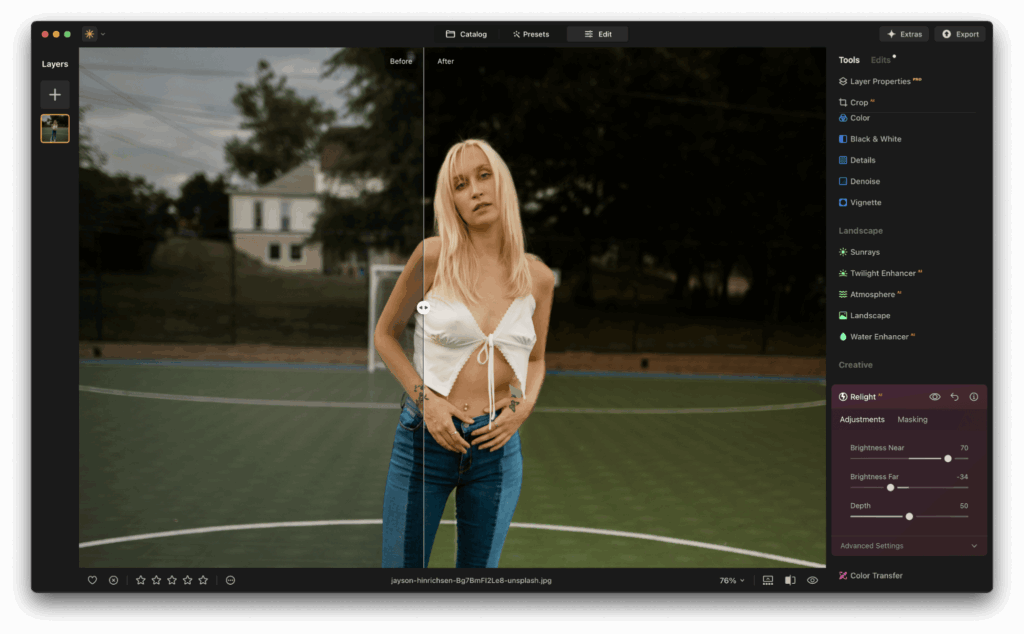
Midday sunlight can be harsh, creating deep shadows on faces and washed-out highlights.
Relight AI lets you precisely control the brightness of foreground and background areas separately, so you can balance the scene beautifully.
Tip: Use Relight AI to recover details in shadowy street scenes or bring warmth to portraits taken under harsh sun.
Remove power lines & objects | keep the focus on your story
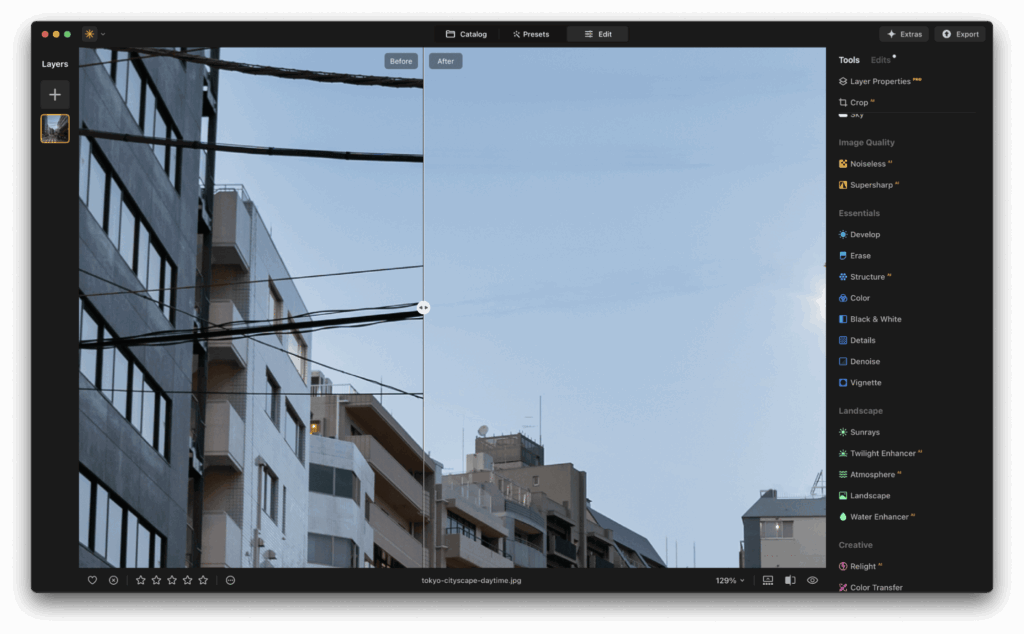
Nothing ruins a gorgeous landscape like distracting wires or an unexpected photobomber.
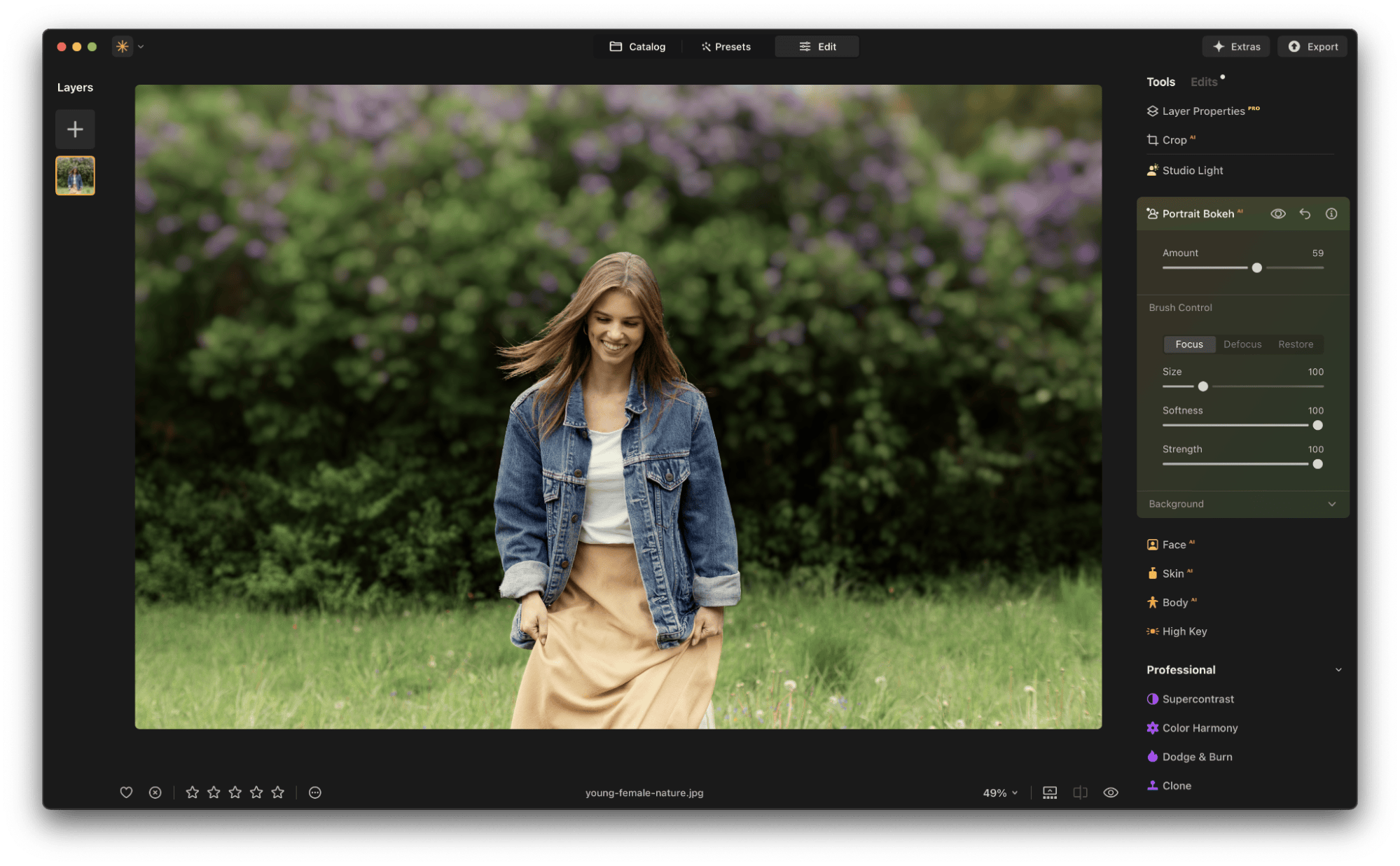
Luminar Neo has AI tools that let you remove power lines, unwanted people, or random clutter with just a few clicks.
Tip: Perfect for cleaning up beach shots, scenic viewpoints, or bustling marketplaces where distractions are unavoidable.
Color Harmony & Supercontrast | Give photos that professional edge
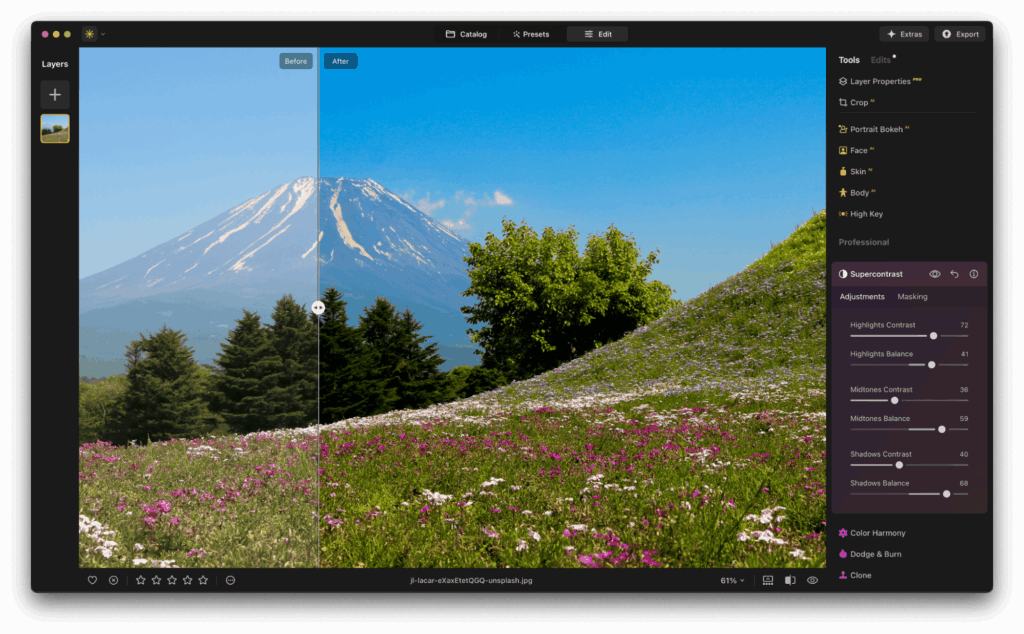
Sometimes the difference between a good photo and a “wow” photo is subtle color grading and contrast.
Color Harmony gives you fine control over saturation, warmth, and color balance, while Supercontrast helps you bring out textures and depth without losing natural tones.
Tip: For travel landscapes, use these tools to give your photos a cinematic touch, lush greens, deep blues, and a balanced tonal range that makes the image feel immersive.
Batch Editing | Edit your entire album in minutes
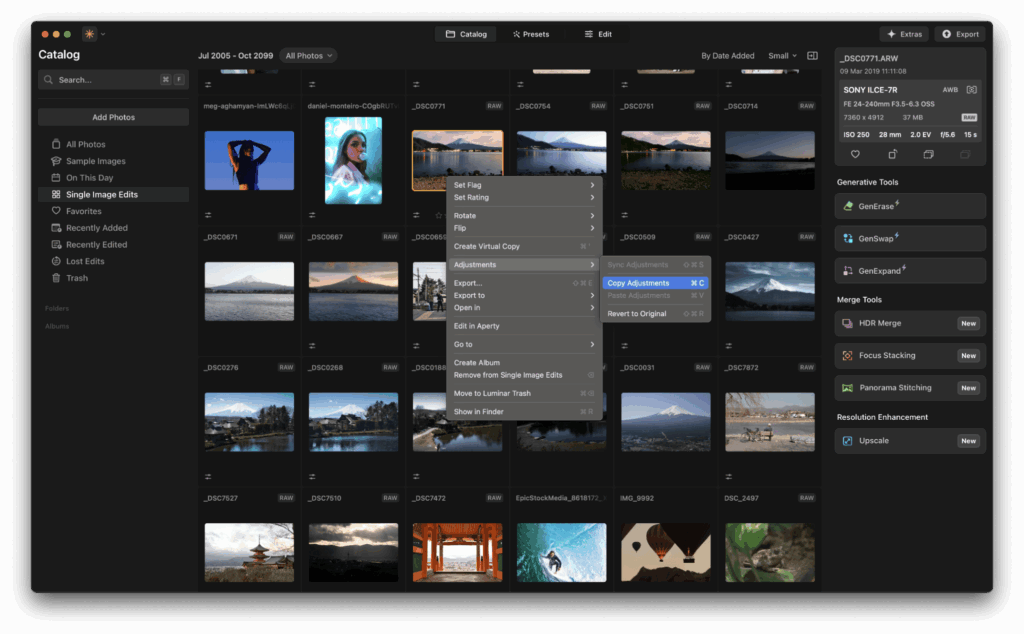
After a vacation, you might have hundreds of photos. Instead of editing them one by one, you can apply the same adjustments to a whole set with Luminar Neo’s Batch Editing feature.
Tip: Create a custom preset for your summer trip, warm tones for golden hours, vibrant colors for daytime, and apply it across all photos for a cohesive, magazine-like look.
How to achieve stunning summer vacation photos with Luminar Neo
Here’s a quick step-by-step guide for turning your summer album into a showcase-worthy collection:
Pick your favorites first
Go through your photos and select the shots with the best composition or emotional impact.
Luminar Neo works best when you start with an image that has potential, even if the lighting or colors aren’t perfect.
Start with EnhanceAI
Apply EnhanceAI to give the image an instant boost. This will improve exposure, detail, and color balance in one step.
Adjust the sky if needed
If the sky is dull or washed out, replace it with a brighter or moodier version. For consistency, try to use similar skies across your album.
Balance the lighting
Use RelightAI to correct overexposed or shadow-heavy areas, especially in portraits or backlit scenes.
Remove distractions
Clean up any unwanted objects, wires, or background distractions to keep the viewer’s attention where you want it.
Fine-tune colors and contrast
Adjust Color Harmony and Supercontrast for richer tones and more depth. This is where you can give your images that distinct “summer glow.”
Apply edits to the whole album
Save your edits as a preset and use Batch Editing to apply them to all your vacation shots.
Why now is the perfect time to get Luminar Neo
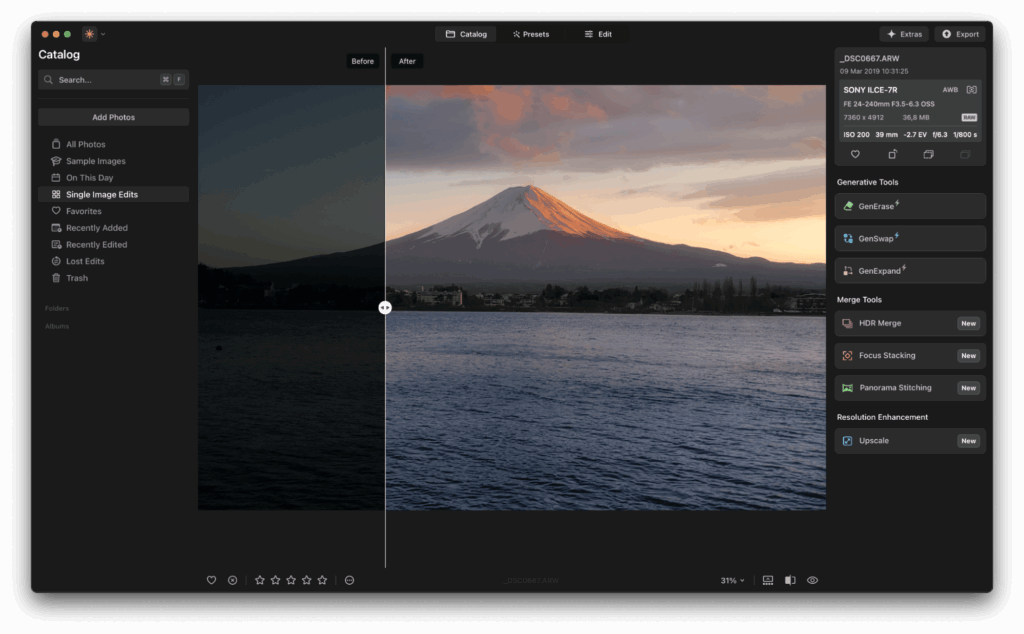
The 75% OFF Summer Sale makes this the most affordable time to own Luminar Neo, and once you have it, you can use it year-round for every season and style.
No matter what you edit – sunny landscapes, city street photography, portraits, or family moments, Luminar Neo adapts to your needs and makes editing not just easier, but enjoyable.
Plus, the software is constantly updated with new AI tools and creative features, so your editing skills will only grow.
Final thoughts
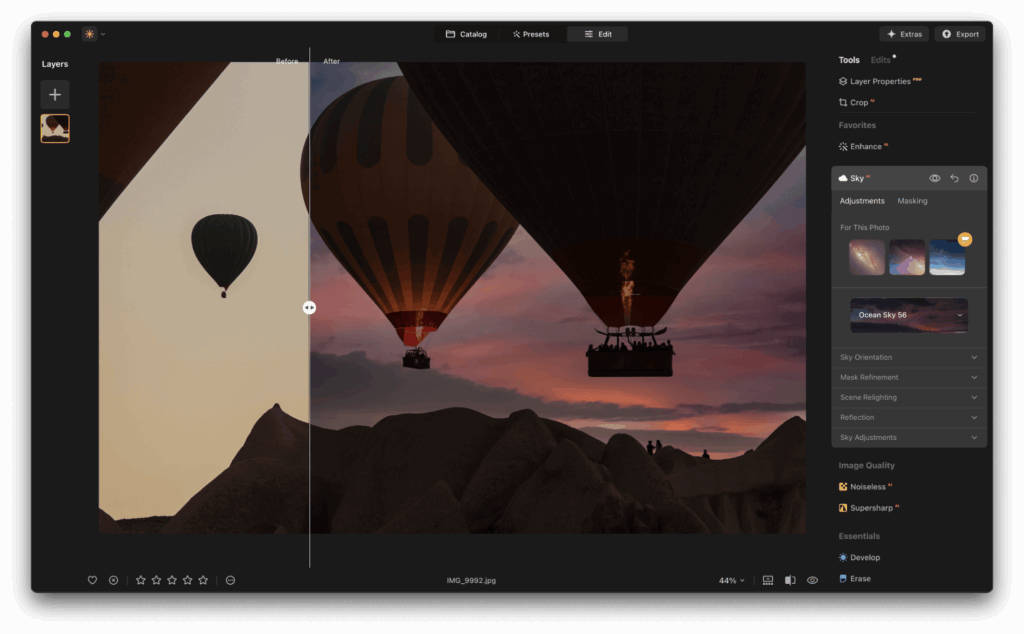
Summer memories deserve to shine, and with Luminar Neo, you can ensure they do.
From brightening up family beach portraits to giving your travel shots a cinematic finish, the tools are designed to make editing effortless and results impressive.
If you’re interested in trying Luminar Neo before you buy, go through this link to activate your free trial or choose a plan that works for you.
Read more about AI Editors
- AI vs Traditional Photography | The Complete Guide [2025]
- Top 11 AI-Based Photo Editors For Photographers to Try In 2025
- 12 Canva Tools to Master Your Designs (AI-Based)
- Luminar Neo: Your Path to Professional Photo Editing (AI-based)
- Edit Like A Pro | iPad Video Editing Apps For Creators (Best of 11)
- Important photo editing tips for every photographer | photo editing guide